 How To Setup a Standard Import
How To Setup a Standard Import
 to create a new configuration
 to save the configuration. to create a new configuration to save the configuration. to create a new configuration to save the configuration.
 button and select Group Import.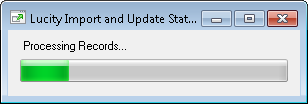
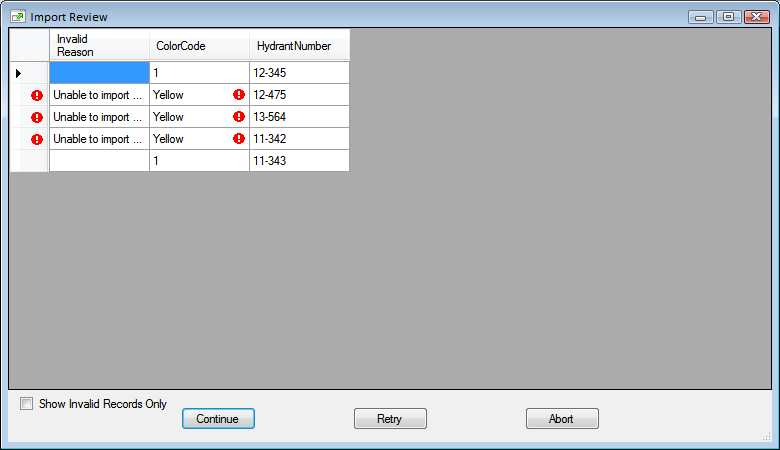
How To Run an Import as part of a Script
The Import can also be run as part of a command line or script.
To do this you should use the following syntax and parameters when running the import:
Lucity.ImportAndUpdate.exe [/S]{/P][Path][/L][Configuration][/C][Client][/G]
/S |
Indicates the program is to be run silently, with no forms or error messages being displayed. |
/P |
Indicates the Path for the setup file(s) and the default locations of objects. This only needs to be used if the Lucity.ImportAndUpdate.exe was moved to a new location. In that case this parameter should point to the original location where all the accompanying files are still stored. |
Path |
The Setup File Path |
/L |
Indicates the Configuration to Run |
Configuration |
The name of the configuration. |
/C |
Indicates the Lucity Client |
Client |
The name of the Lucity Client |
/G |
Indicates that if the Configuration is part of a group, the configurations with a greater order will also be run |
/T |
Indicates a Lucity token is being sent in as the Logon credentials |
Token |
The Lucity Token. |
Example: C:\Program Files\bin\Lucity.ImportAndUpdate.exe /S /L /Hydrants /C /Production
|
See Also |