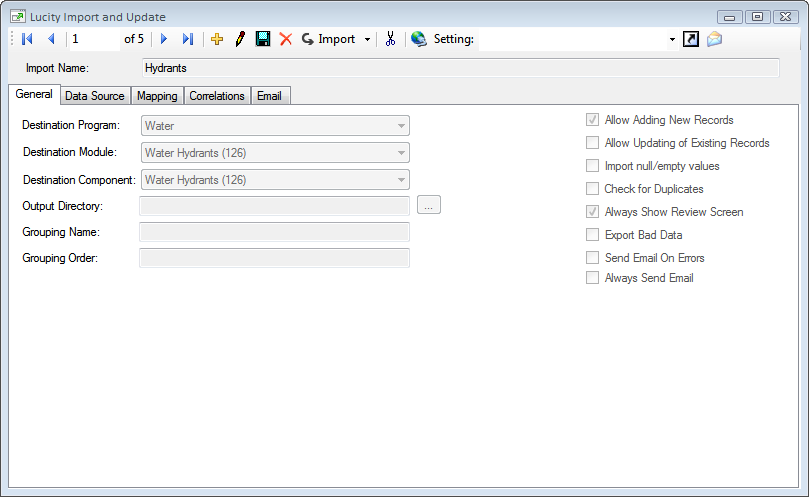
Import sets of data from an outside source into individual Lucity tables.
Import multiple sets of data from an outside source into multiple Lucity tables in a specific order.
Update records in Lucity tables with new data from an outside source.
Launching the Import and Update
The Import and Update tool can be run in several ways
Lucity Desktop - To launch the Import & Update tool from Lucity Desktop go to General > Import & Update.
Manually - To launch the Import & Update manually go to location where Lucity Desktop was installed, open the bin folder, and double-click on Lucity.ImportAndUpdate.exe.