Open Record
Click this button to open a form view of the record.
Action History Grid
This grid shows a timeline of events that have occurred for the dynamic message system record.
Grid Tools
|
Open Record |
Click this button to open a form view of the record. |
Action History Events
The Action History grid tracks the following events. The events are added to the grid using the associated toolkit.
|
In This Section |
Toolkit

The DMS Action History grid contains several toolkits to add events to the grid and update the dynamic message system record.
Toolkit |
Function |
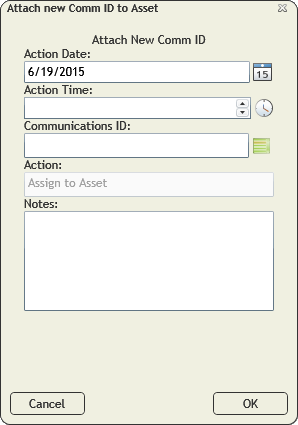
Attach New Comm ID to Asset |
Used when linking the dms record to a communication service and communication device.
|
Detach Comm ID from Asset |
Used when removing the communication service and communication device link from the dms.
|
 How to link a DMS to a communication record
 button and select Add New Comm ID to Asset.