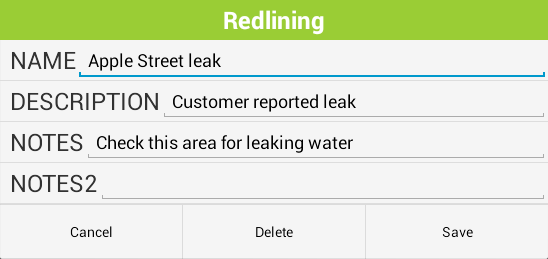
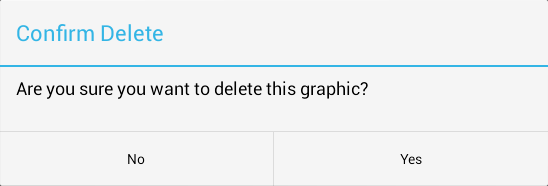
The Redlining tool allows users to add markups to the map. This feature can be used to provide information to someone at another location or to save information for later.
To run this tool, tap the  button, then select Edit Redlining from the list. The Edit Redlining toolbar will appear on the edge of the screen with the following options:
|
Add Point |
Add a markup of a single point. |
|
Add Line |
Add a markup of a line. |
|
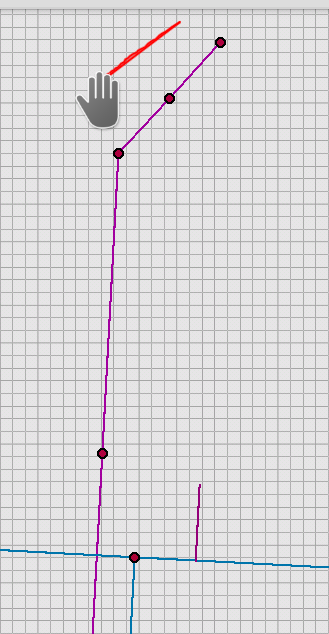
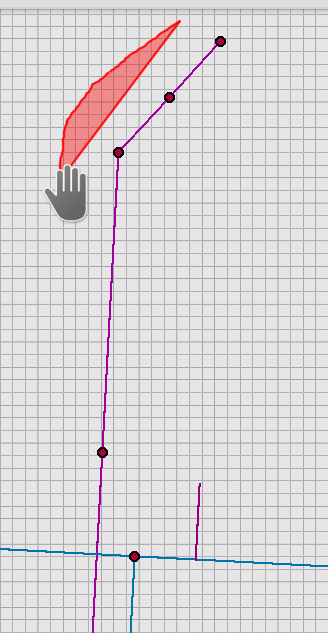
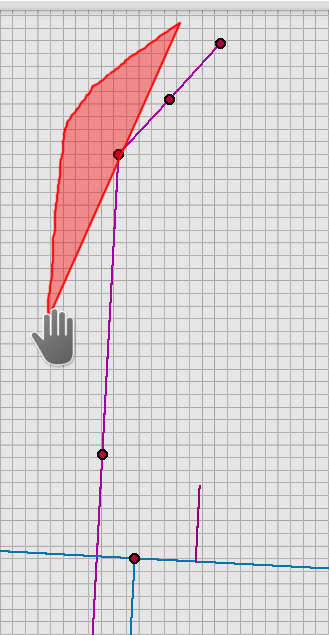
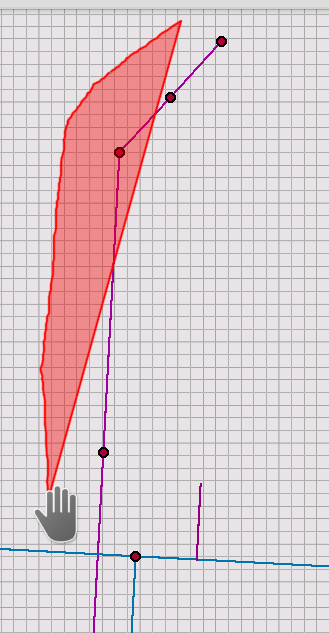
Add Polygon |
Add a markup of a polygon. |
|
Select Redlining |
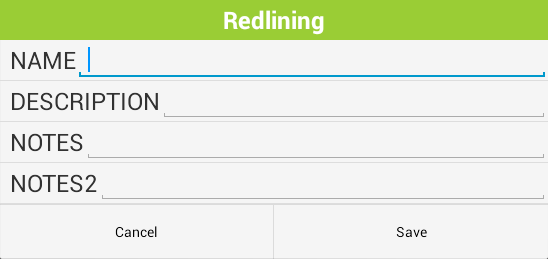
This allows users to choose red lining markups in the map. They can then view and edit the markup information or delete the markup. |
 How To: Use an Existing Markup


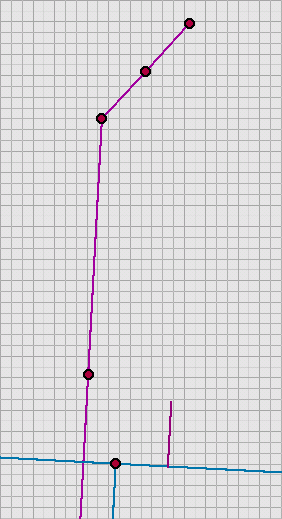
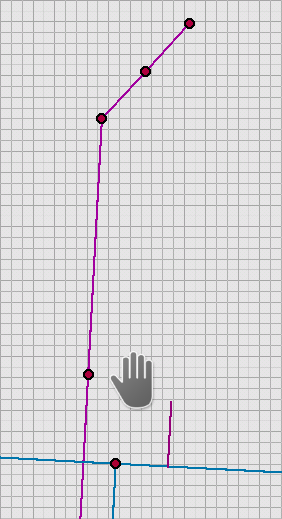
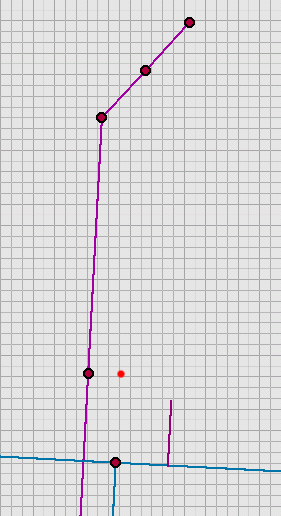
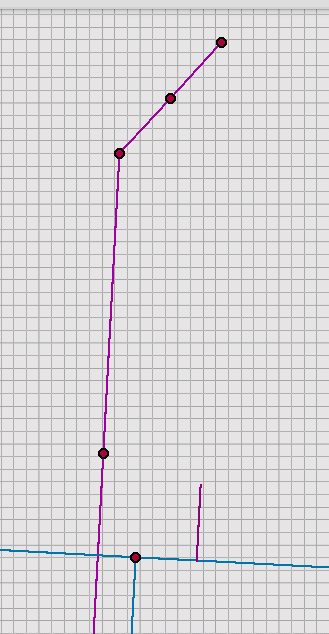
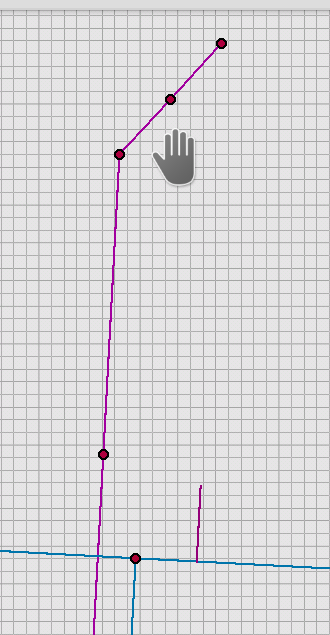
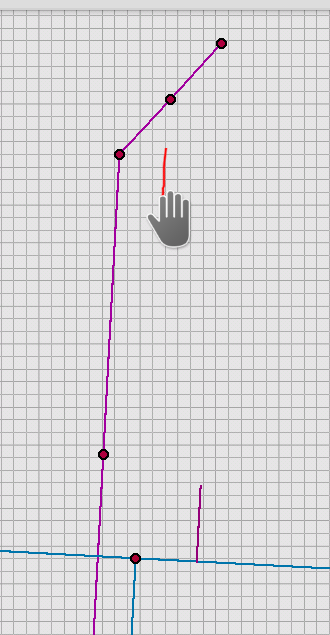
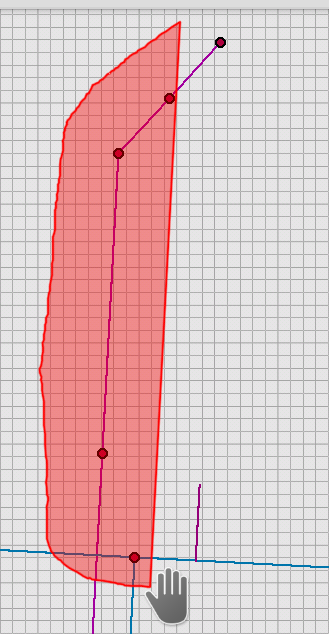
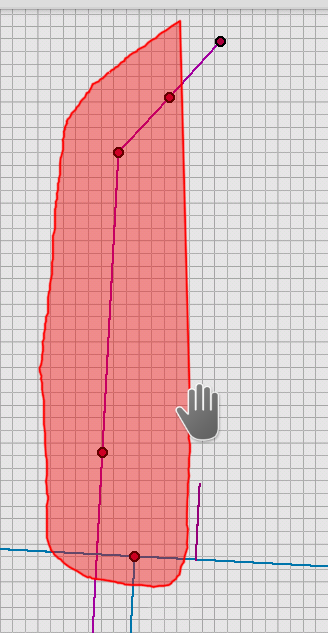
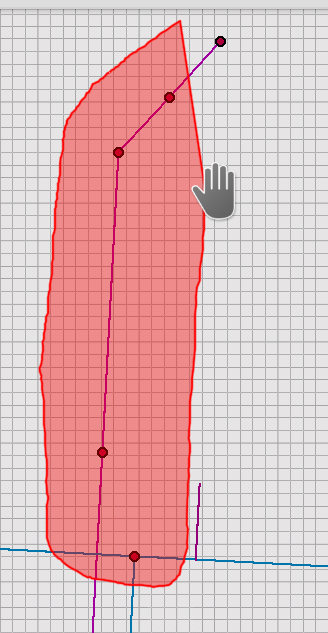
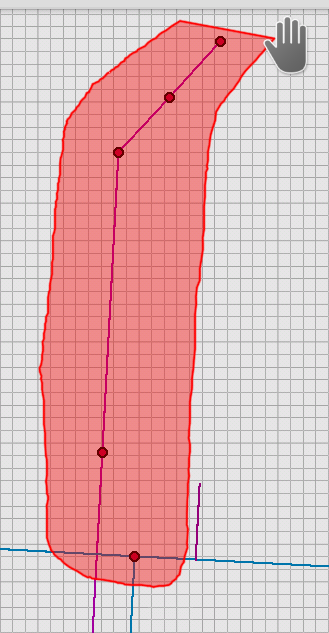
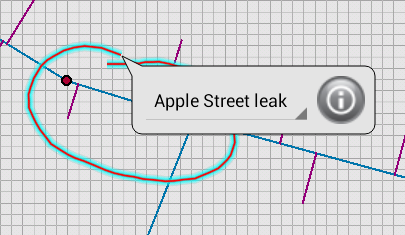
 button for more information about the selected markup.