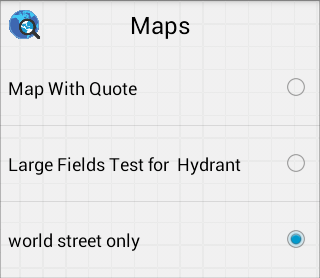
The Change Map tool lets users switch between different maps they have created.
See Also
Map
Find Address
Find Asset
Identify Address
Current Location
Identify X/Y
Identify an Asset
Select Features
Edit Redlining
Layers
Clear Graphics
 button then select Change Map from the list. button, then select Change Map again.