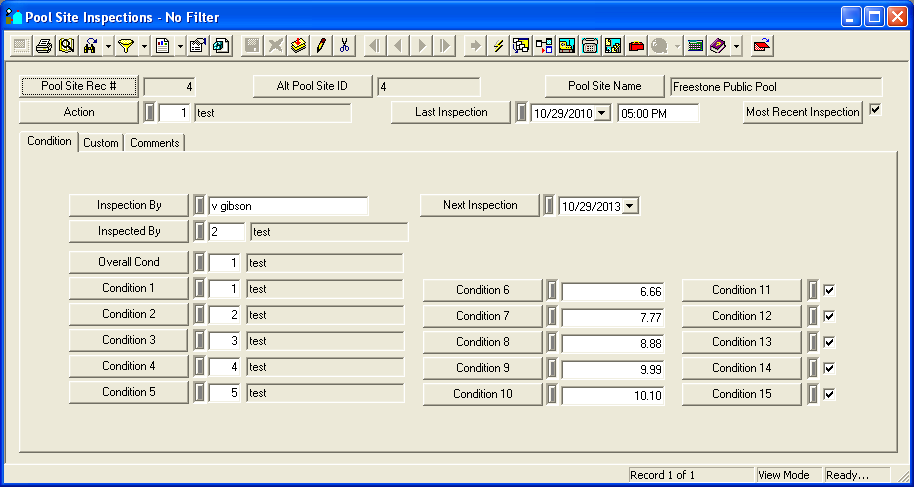
The Park module provides you with multiple inspection modules to maintain inspection records. These modules can be used to record inspection data and observations. While each of the inspection modules track data on unique Pool/Water Feature assets, they all have the same format. We'll go over the Pool Site Inspection module in detail as an example for this help guide.
For more information about the tools available in this module go here.
Note: Users can view any field definition by right clicking + Ctrl in that field.
To access the Inspections module, select Trees/Parks > Park > Pool/Water Feature > Pool Site Inspection (Pool/WF Inspection, Pool/WF Appurtenance inspection) and a window similar to the following will appear.