Reports Setup
Lucity Mobile and CS EAM Mobile enable you to run reports and view them on your mobile device.
Note: To run reports in Lucity or CS EAM Mobile, the Lucity/CS EAM Mobile Server must be able to communicate with the Lucity/CS EAM Report Server.
 How to enable a mobile report
- Open Lucity/CS EAM Web and navigate to the module containing report(s) you want to open in Lucity Mobile or CS EAM Mobile..
- Click Reports
 . The Report tool opens, displaying a list of available reports for this module.
 - Select the report that you would like to display in the mobile application.
- Click Edit. The following pop-up appears:
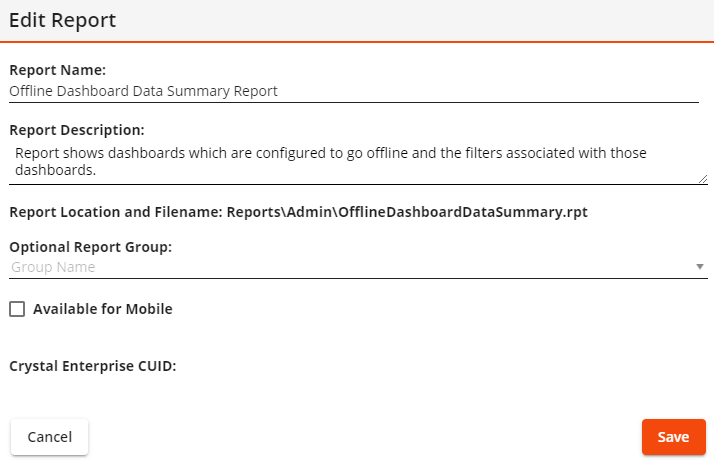
- Check Available for Mobile.
- Select Save. This report is now available in the same module in Lucity Mobile or CS EAM Mobile.