Lucity/CS EAM modules provide users with detailed read and edit access to a specific type of record (for example, Fleet Vehicle, Tree Inspection, or Work Order records). Administrators configure modules using views, grids and forms.
The modules in Lucity/CS EAM Web and in Lucity Mobile or CS EAM Mobile are based on the same configuration. However, there are some differences in their appearance and the functionality available to users.
The mobile applications follow the same rules for opening views as Lucity/CS EAM Web. If a data-drill plug-in links to a specific view in the web-based software, that view opens in the mobile application. Likewise, when mobile users access modules through the Modules menu, the app launches the default view for that module.
Grids
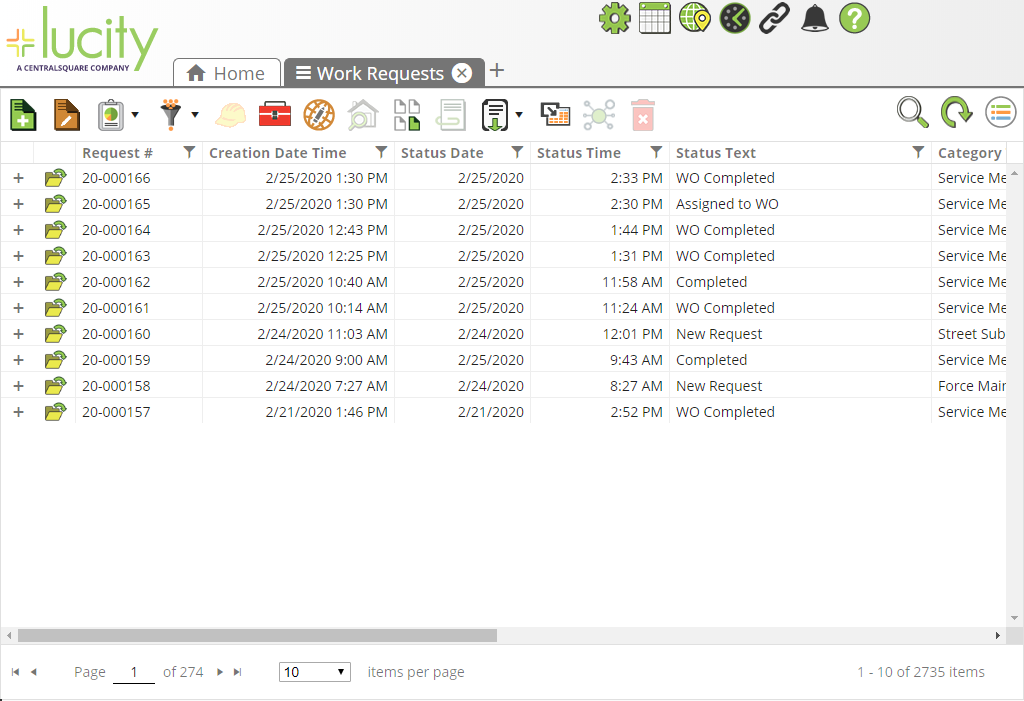
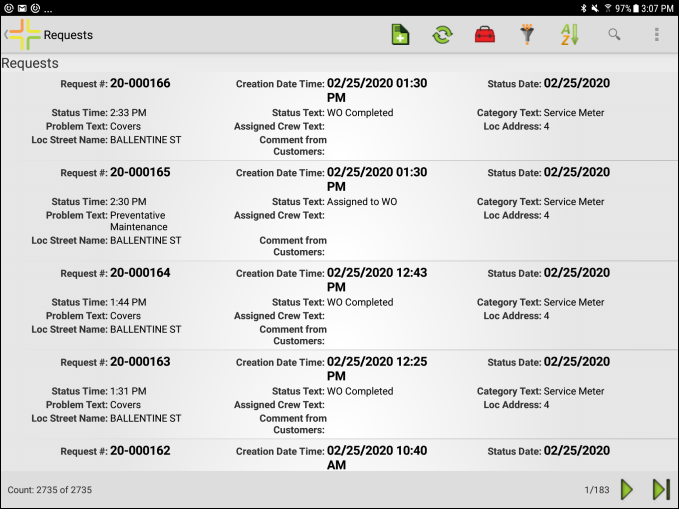
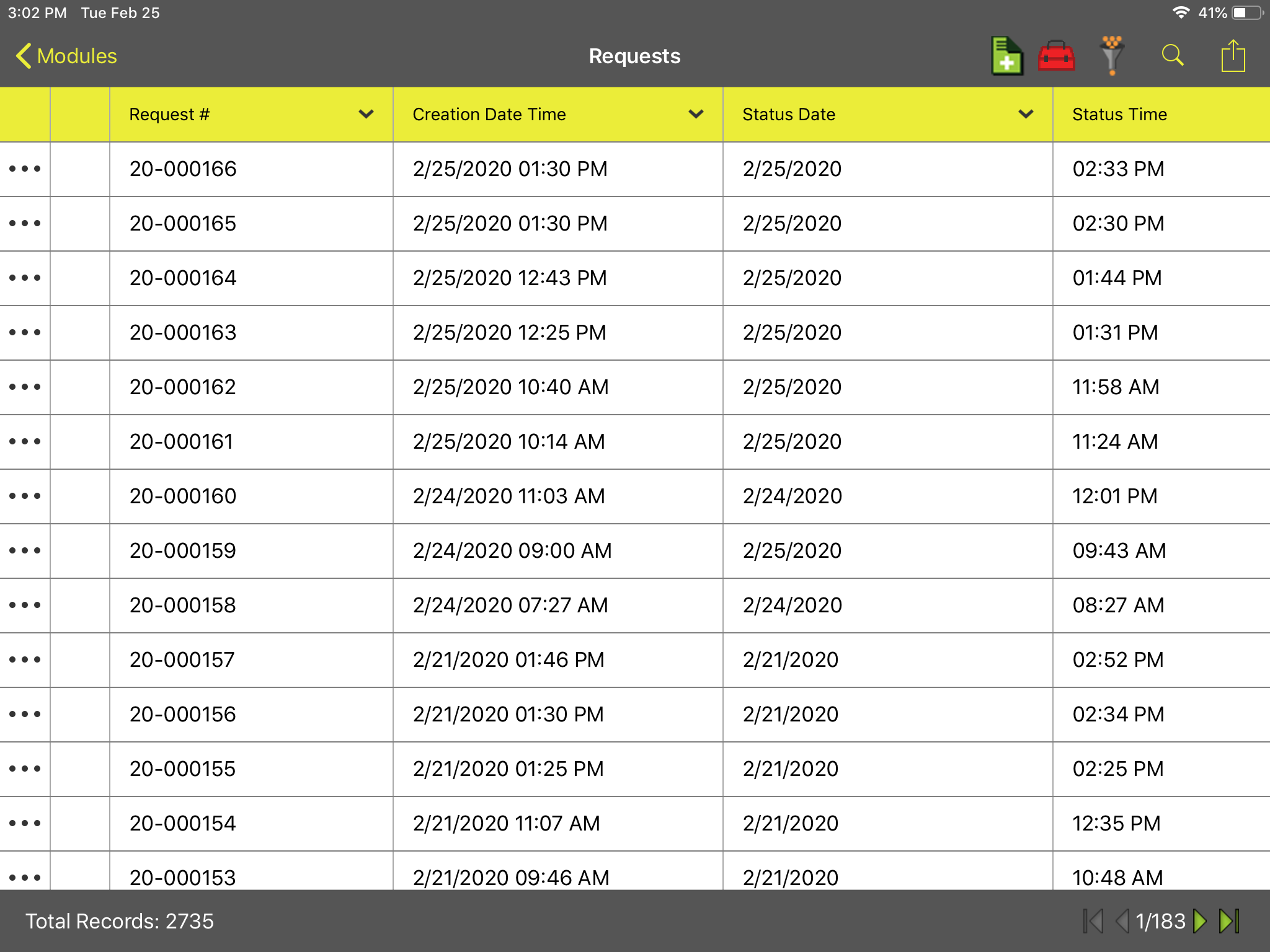
Several of the tools offered in Lucity/CS EAM Web are not available in Lucity Mobile and CS EAM Mobile. However, the tools that are available in the mobile applications follow the same display rules that are set on the grid in the web-based software.
Forms
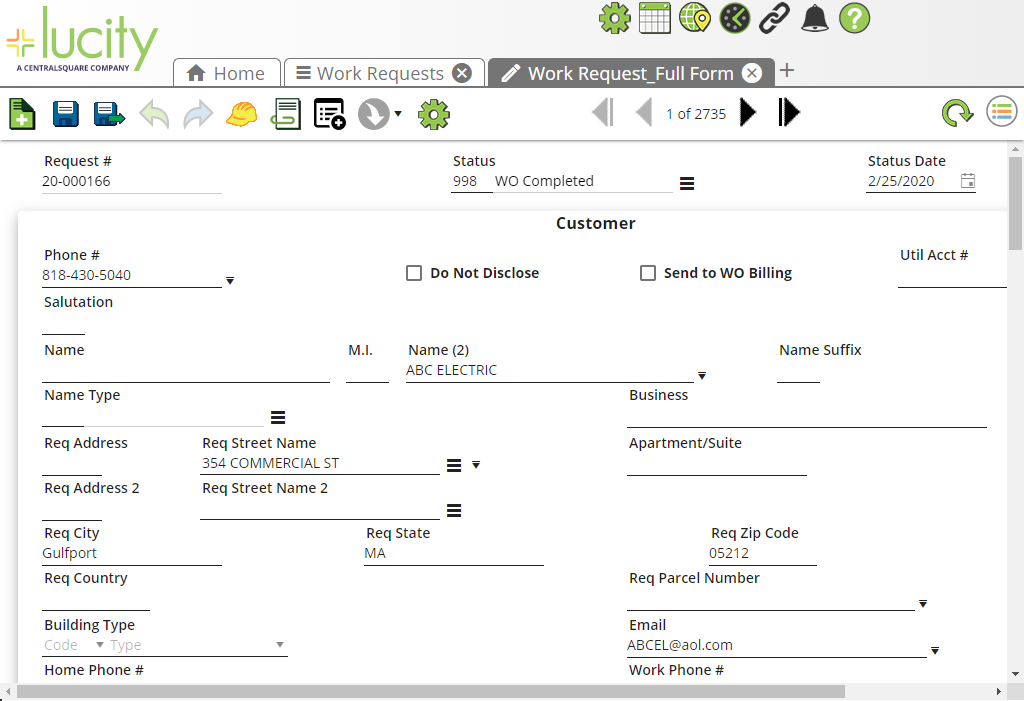
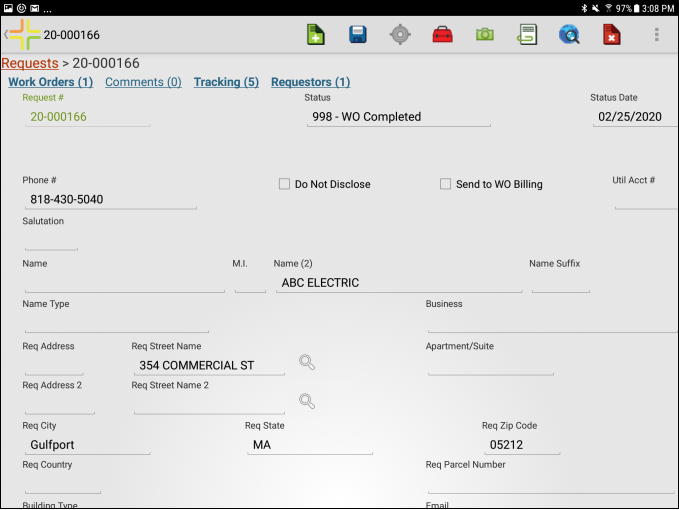
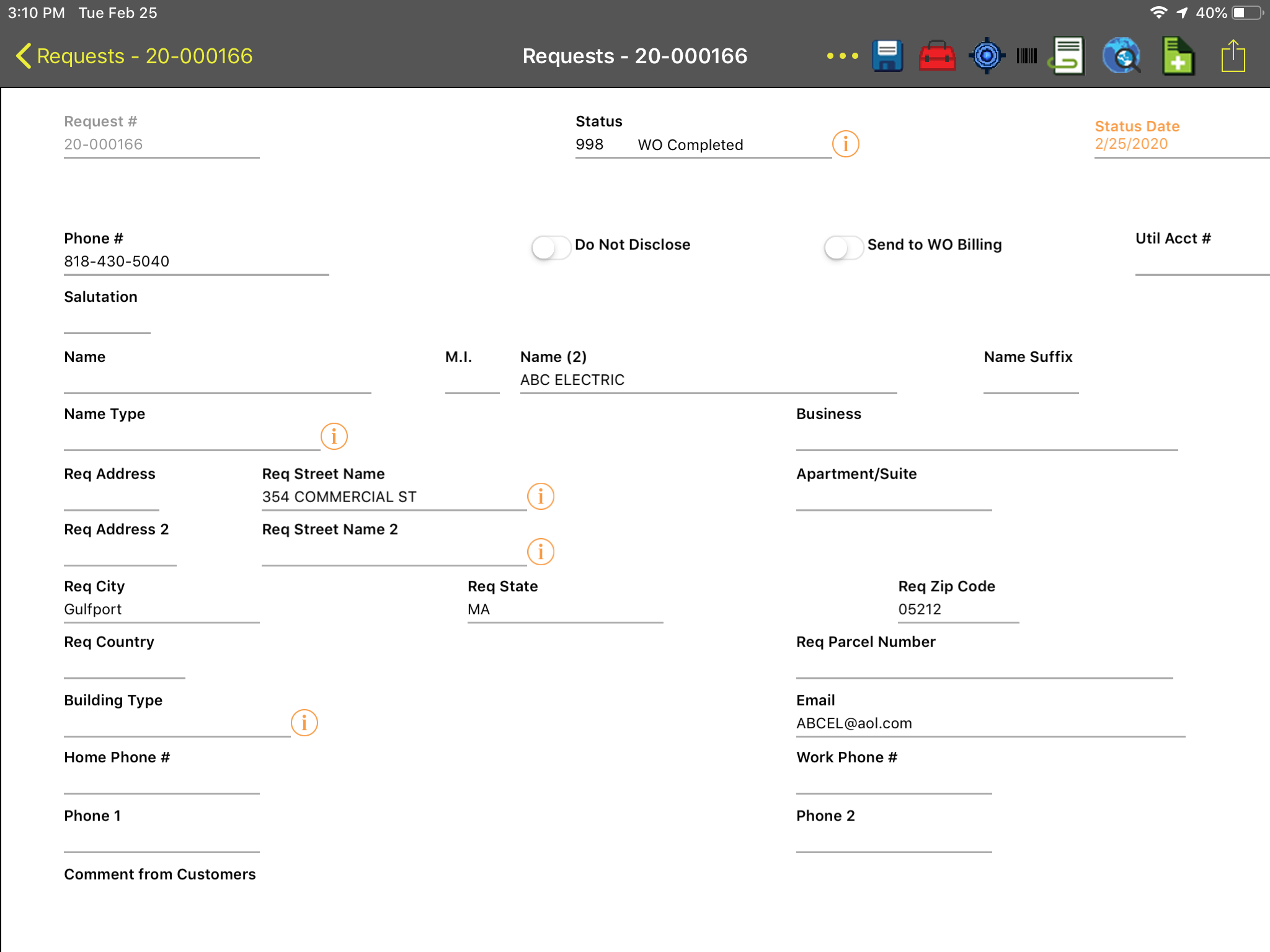
Lucity/CS EAM forms automatically adjust to fit a mobile device's screen; therefore, the layout of mobile forms may differ from that of the web software.
All picklist fields appear as lookup fields.
On a web form, users can use frames to group fields. Although these fields appear in the mobile form, the frames do not.
Some pop-ups for special functions do not appear on mobile forms.
Buttons that allow you to carry over certain data to another record are not available on mobile forms.
Customer lookup is not available on mobile forms.
Project # and Account # fields are appear as text fields in the mobile application; they do not provide lookup capability.
Pushing configuration changes to Lucity Mobile and CS EAM Mobile
Changes to the following components require an administrator to restart the Lucity/CS EAM Mobile Server. Users must log out of the mobile application and log back in to see the changes.
Street Name list
Modules list
Default views
Views/grids comparison
View/grid example: Lucity Web
View/grid example: Lucity Mobile for Android
View/grid example: Lucity Mobile for iOS or CS EAM Mobile for iOS
Forms comparison
Form example: Lucity Web
Form example: Lucity Mobile for Android
Form example: Lucity Mobile for iOS or CS EAM Mobile for iOS