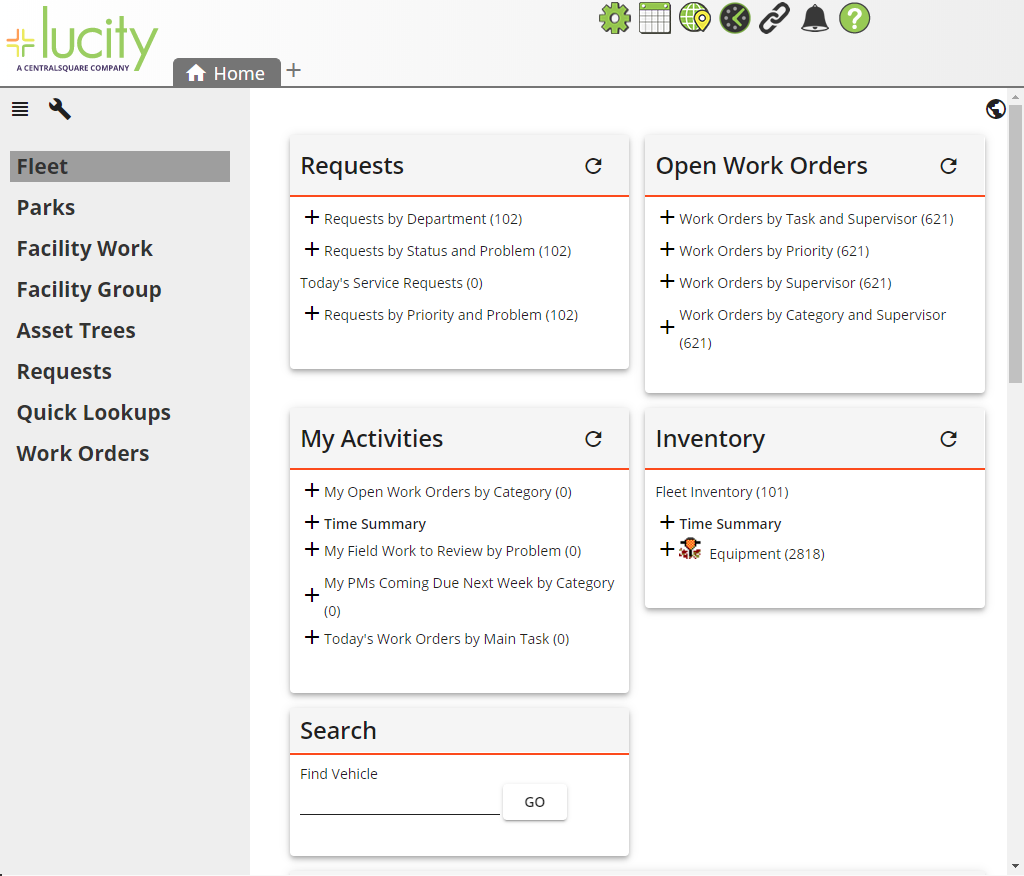
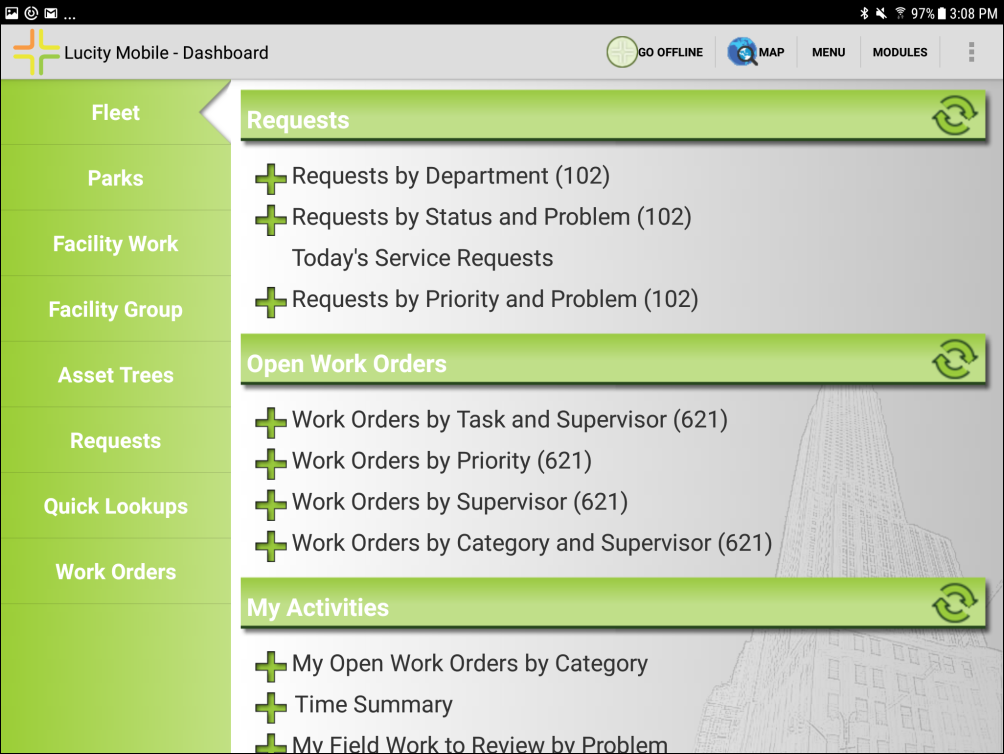
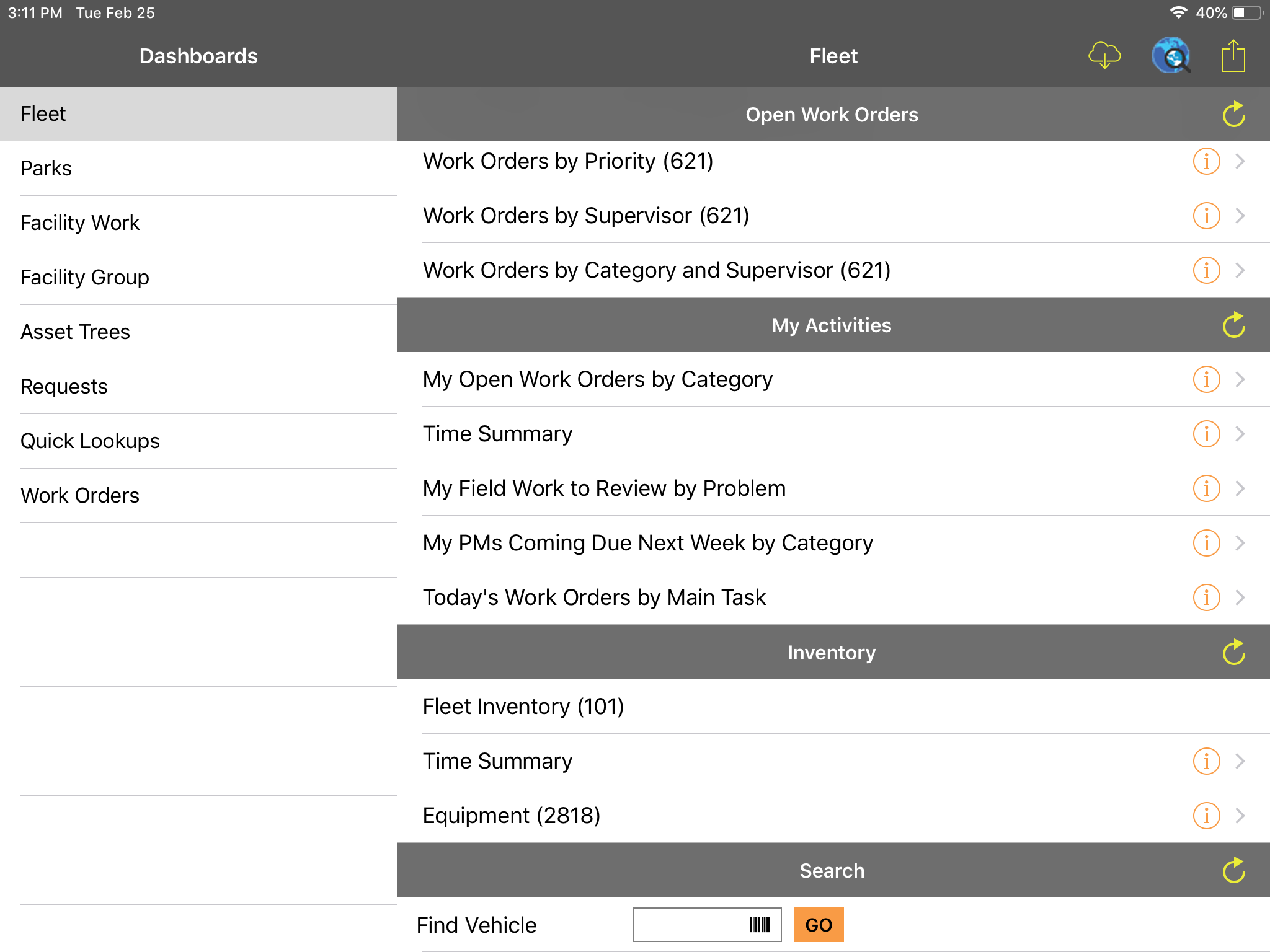
The dashboard is a page that displays overview data to help users identify what they want to look at and then quickly jump to a more detailed view of the data.
The dashboards in Lucity/CS EAM Web and Lucity/CS EAM Mobile are based on the same configuration. However, there are some differences in how they appear and the available functionality.
A user's dashboard tabs appear in Lucity Mobile or CS EAM Mobile as long as the tab contains dashboard frames that are configured to appear in the mobile applications.
The auto-refresh setting is ignored on the dashboard tab. Mobile users must manually refresh the tab to see new information.
Dashboard frames
A user's dashboard frames appear in Lucity Mobile or CS EAM Mobile if:
the Visible on Mobile option is enabled, and
the frames contain plug-ins that are supported in Lucity/CS EAM Mobile.
Mobile dashboard frames appear in a list, rather than in boxes, like they do in Lucity/CS EAM Web.
The mobile dashboard ignores the Span Frame and Width settings for the dashboard frame.
Dashboard plug-ins
Crystal Report plug-ins are not displayed on the Lucity Mobile or CS EAM Mobile dashboard.
Map plug-ins are not displayed on the Lucity Mobile or CS EAM Mobile dashboard.
Dashboard split-screen map
The Lucity/CS EAM Mobile dashboards do not support the split-screen web map.
Lucity Web Dashboard Example
Lucity Mobile Android Dashboard Example
Lucity Mobile or CS EAM Mobile iOS Dashboard Example