The Water Renumber tool, found on the Lucity GIS Edit toolbar, provides a means for renumbering Water structures.This tool is enabled only when a single feature is selected in the map.
How To Renumber a Feature
Start an edit session in ArcMap.
Select a Water feature in the map.
Click the Water Renumber tool on the LucityGIS Edit toolbar.
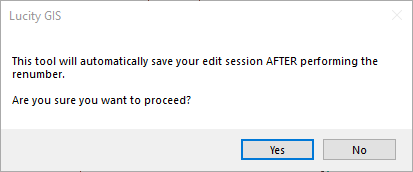
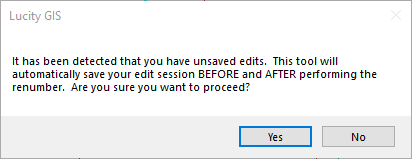
The Water Renumber tool requires the system to save edits before and after the feature is renumbered. Therefore, messages similar to the following will appear:
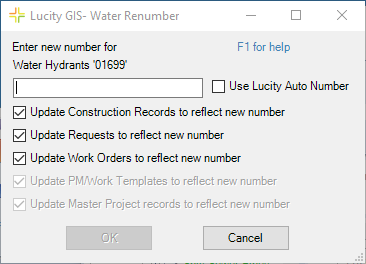
Click Yes. The Water Renumber dialog appears:
Enter a new number or check the Use Lucity Auto Number box if the layer has a number generator configured and you would like the number to generate automatically.
If any of the listed records types should not be updated with the new number uncheck the appropriate box.
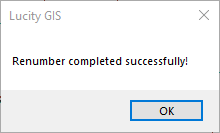
Click OK. A confirmation message appears when the process is complete.
 The Water Renumber tool, found on the Lucity GIS Edit toolbar, provides a means for renumbering Water structures. This tool is enabled only when a single feature is selected in the map.