Desktop
The Lucity Desktop install/upgrade can occur multiple times at any workstation.
Important: Lucity recommends that users close all Windows applications before running the Lucity software setup.
General Requirements
- General hardware and software requirements
- The Server Installation must be completed before the Desktop Installation.
How To Install Desktop
- Open the Lucity install media and run Setup.exe. The following screen appears:

- Select the Desktop option on the menu, the following window appears:
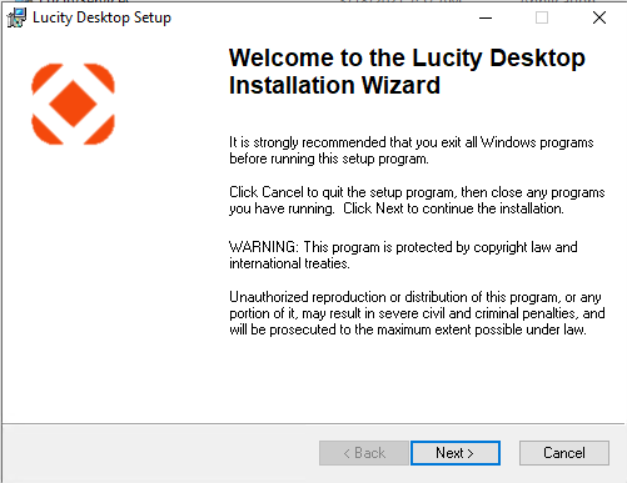
- Read the Welcome screen. Click
 to continue. The following window appears: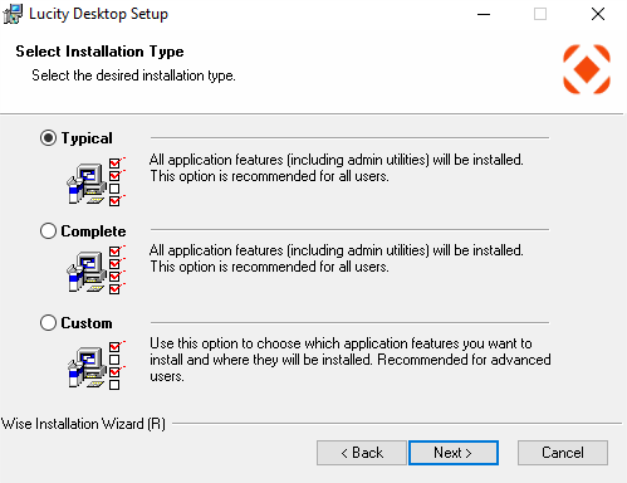
-
Select the Typical install method.
-
The Typical, Complete, and Custom install methods all install the same applications.
-
If you choose Custom, he following screen appears:

-
-
- Click to continue. The following window appears:
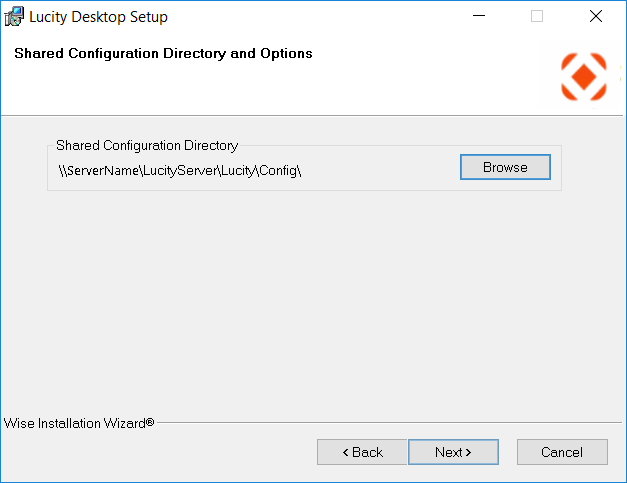
- Using the
 button, select the path where your shared configuration files are located. (Typically, this is a directory located on a network share.)
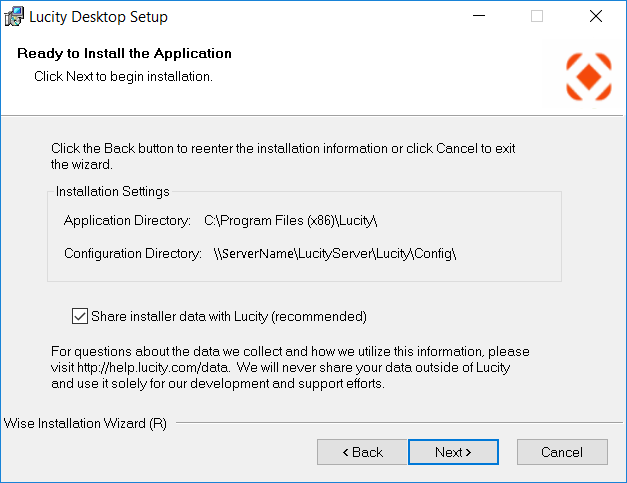
 - Click to continue. The following window appears:
-
Click
to continue. The installation process begins. The action may take a few minutes. A status bar shows the system's progress.When the installation is complete, the following dialog appears: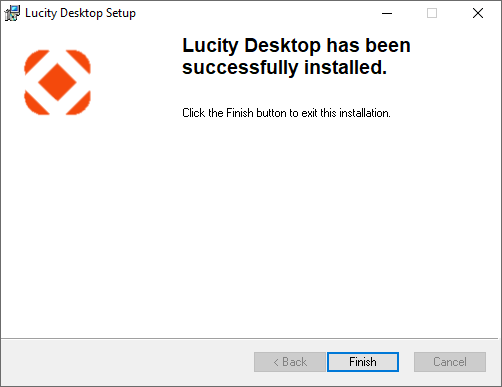
-
Click . The installation is complete.