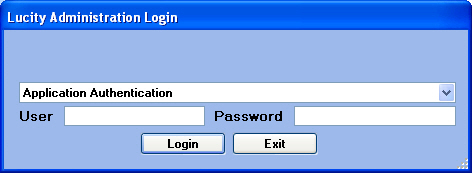
After the Getting Started Steps are complete, you can launch the Lucity Administration for Web Apps to begin working.
Select an authentication method from the drop-down menu.
Application Authentication requires a user name and password.
Windows Authentication disables the User and Password fields and allows users to bypass the login screen. Consult the Users topics for information on setting up Windows Authentication.
If using Application Authentication, enter your Lucity user name and password to login to the interface. These credentials are established in the Security.exe program.