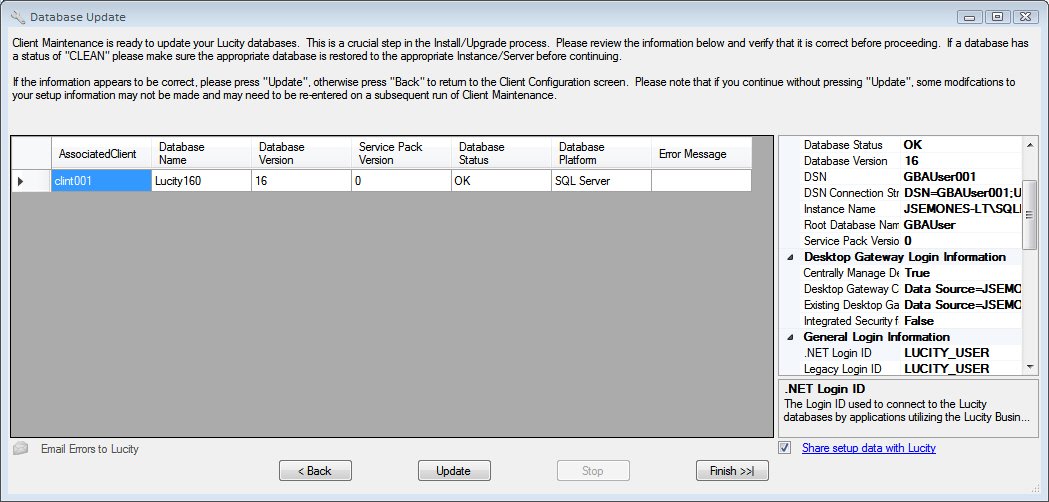
The Database Update screen shows a list of all the databases that are configured to work with Lucity clients. Select a database in the list to view information about the database on the right.
< Back |
Returns to the previous screen. |
Update |
Runs the Database Update, which examines each client's database to ensure that it is on the latest version and service pack. |
Stop |
Stops an update that is currently in progress. Note that this action does not stall the process on the current database; instead, it keeps the process from continuing to the next database. |
Finish >>| |
Closes Client Maintenance and saves all configuration settings. |
Email Errors to Lucity |
Emails any error messages that occurred during a Database Update directly to Lucity Support. |
 How to run a database update