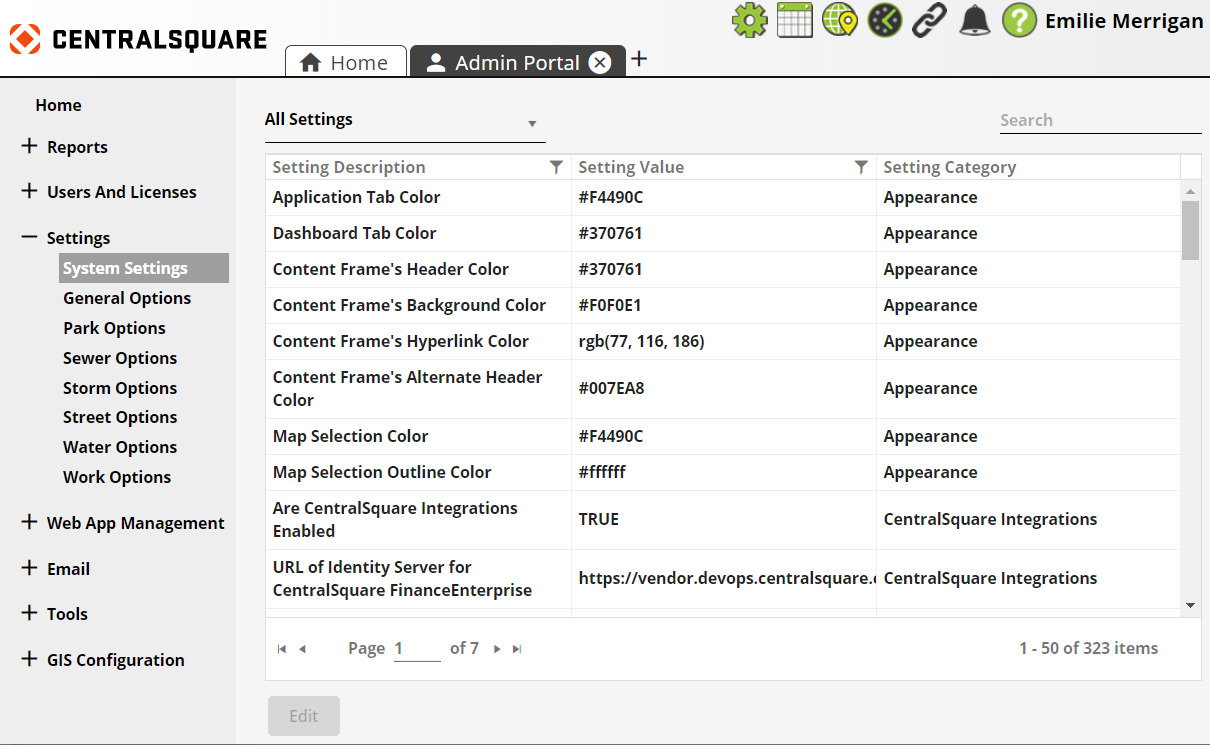
The System Settings section allows administrators to control general system settings that affect Lucity EAM Web, Citizen Portal, email services, GIS tools, CentralSquare Integrations, etc.
Settings Selection |
Enables users to change the list of settings displayed in the Settings grid using the drop-down list in the top left-corner. |
Settings Grid |
Displays a list of settings and their current state. |
Edit |
Enables an administrator to edit the setting selected in the grid. |
View |
Enables an administrator to view the setting selected in the grid. *Note: This option will appear in the location of the Edit button if settings are view only and not editable in the program. |